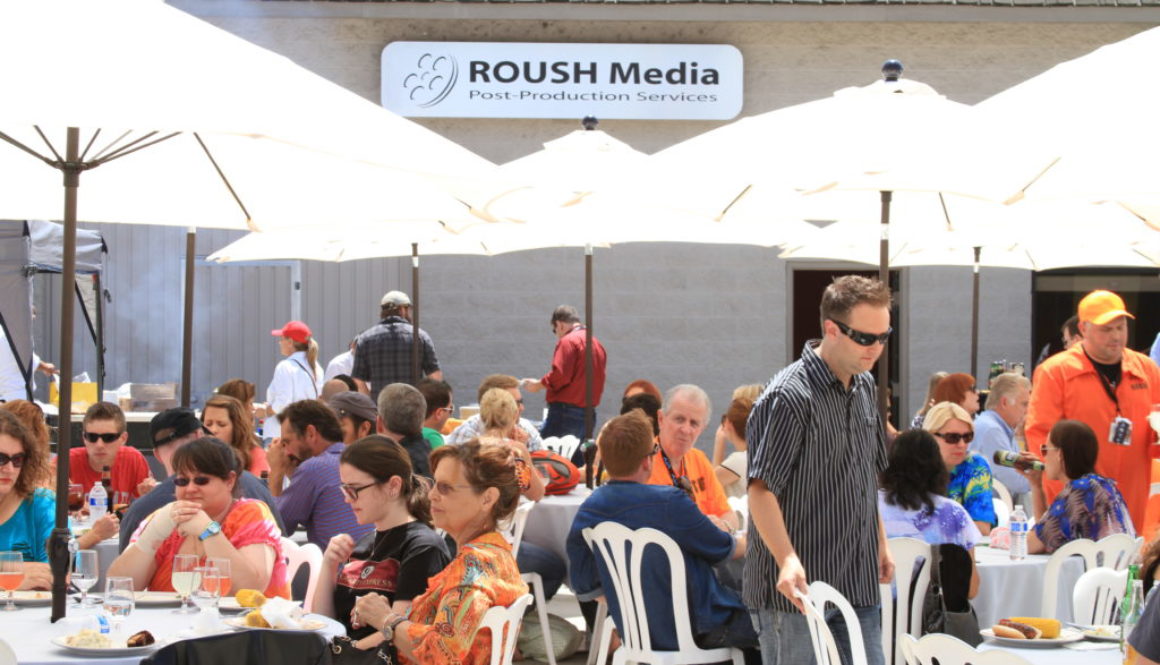
Thank You for all of those who attended Roush Media’s BBQ and 4K workflow demo! The event was a success, it was a beautiful summer day and we could not have done it without your support.
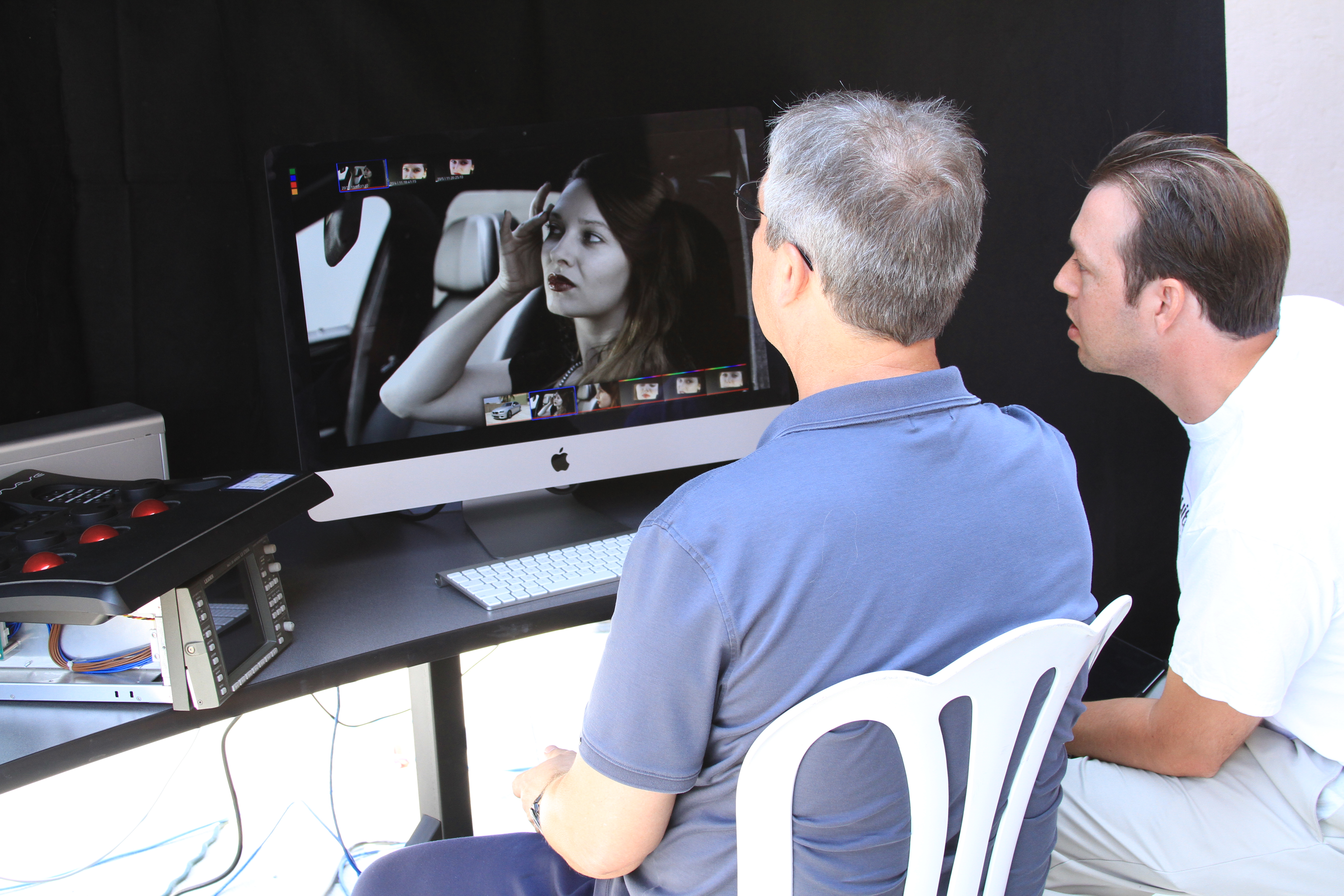
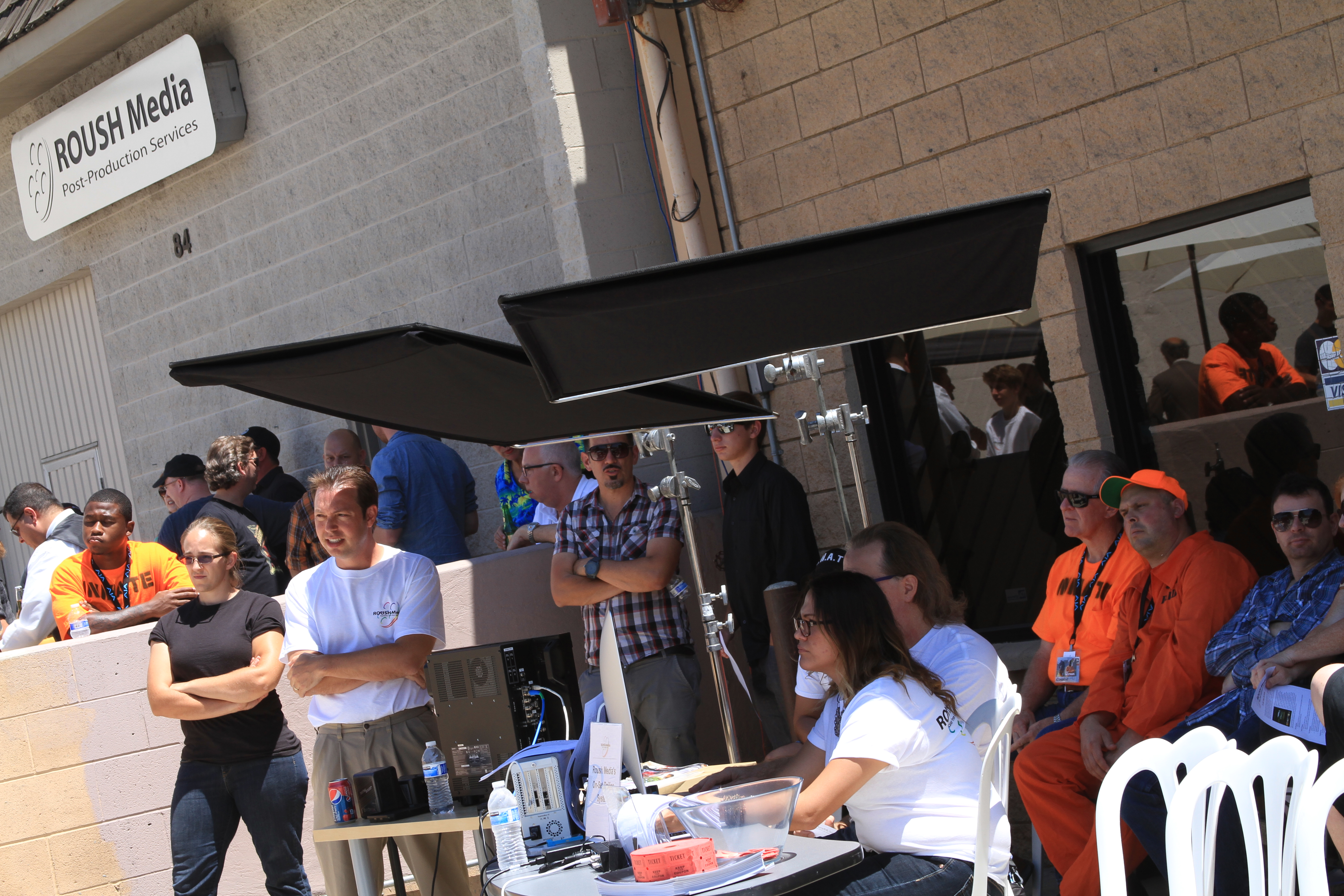
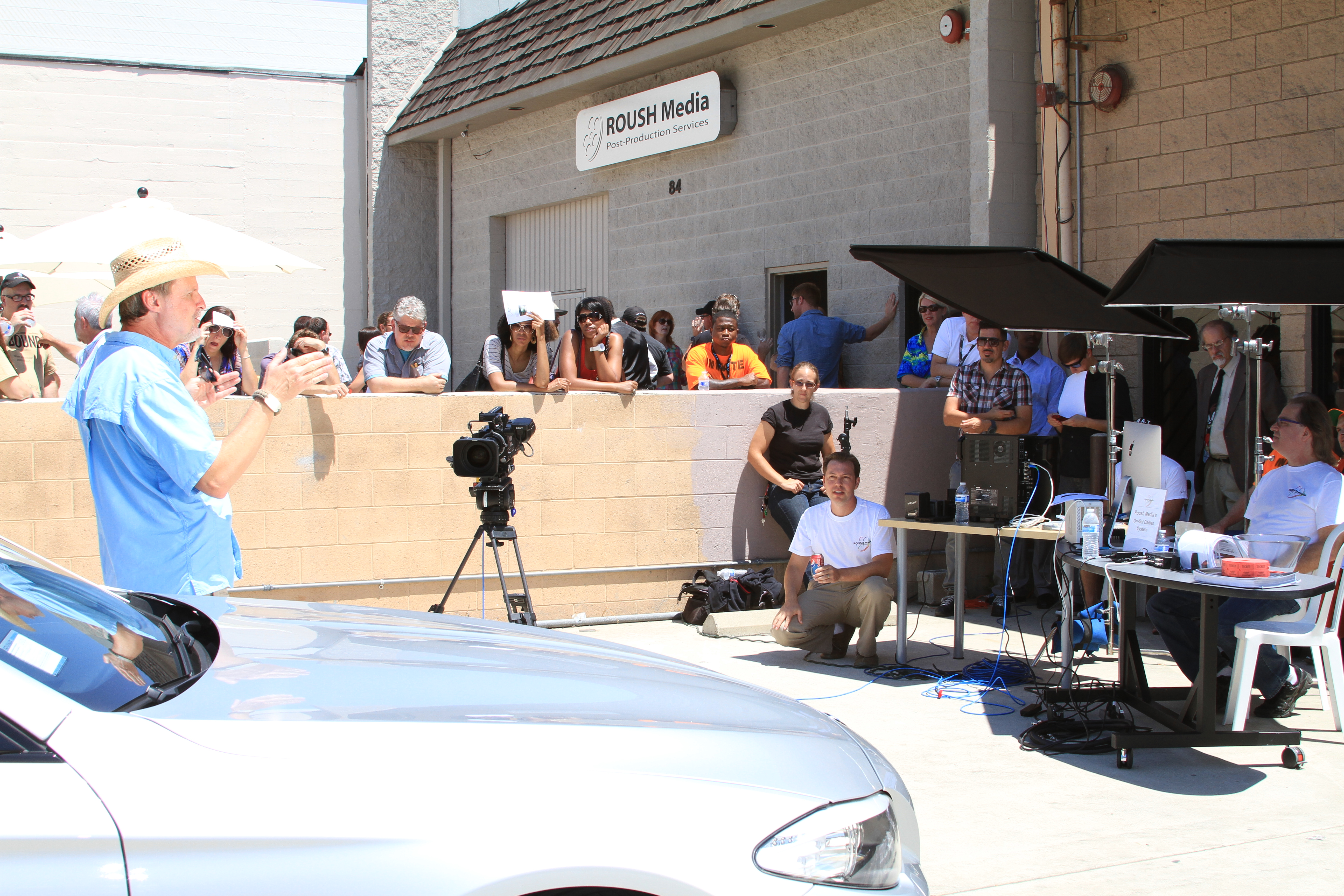
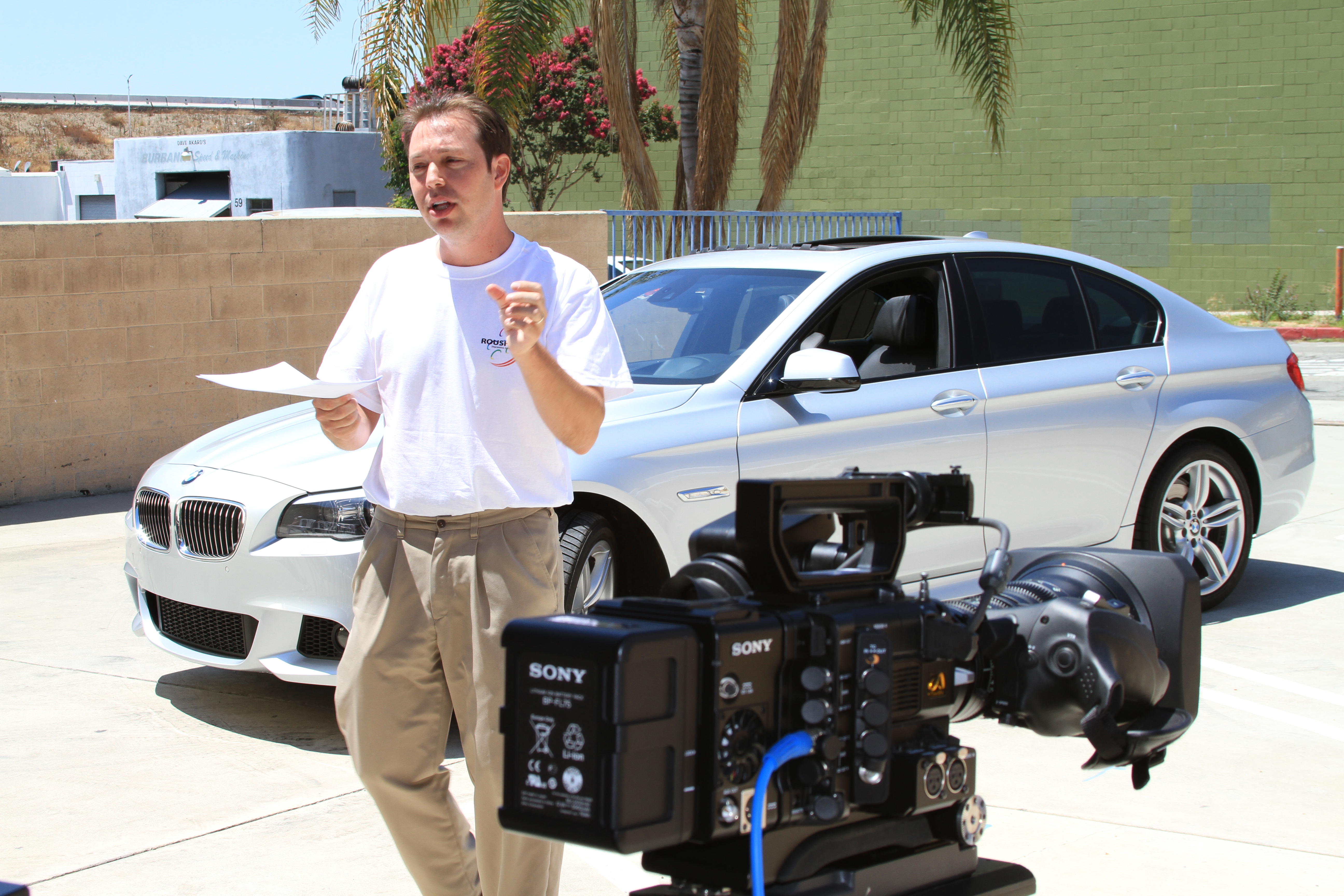
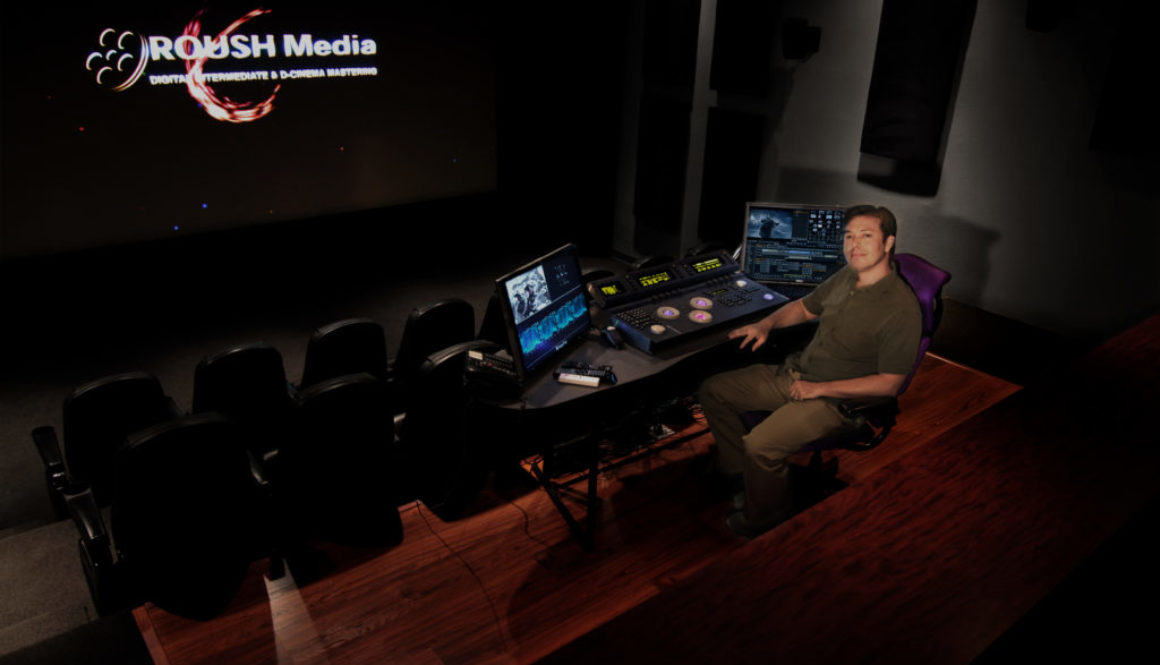
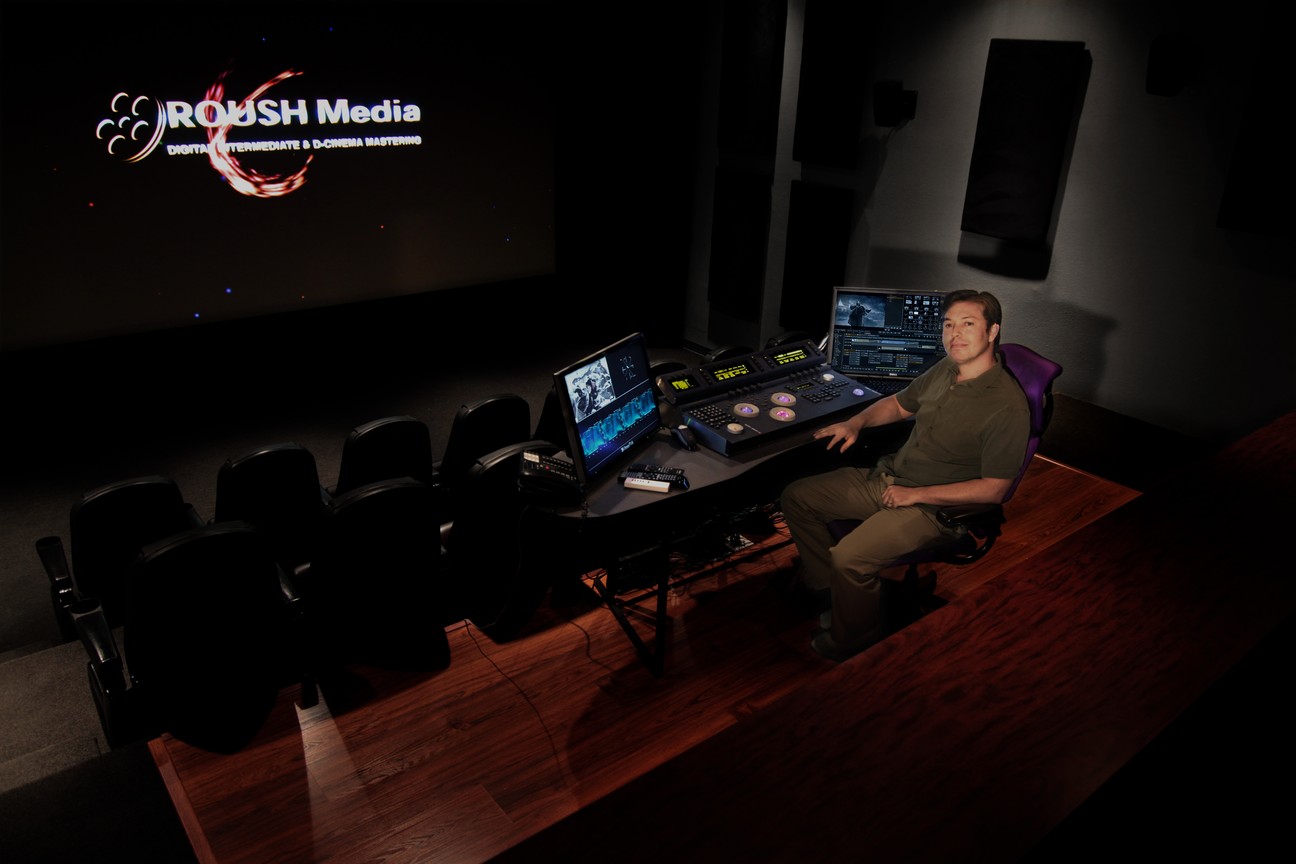
In case you missed it, here is the recap. Everyone enjoyed a nice sit-down BBQ on fine china and a full bar with chocolate brownies that were out of this world. Meanwhile our staff offered tours of our facility and demos of our new On-Set Dailies System and DI Technology. The big demo of the event was the live shoot showing 4K RAW images captured from the Sony F55 Camera and taking those files into a full post workflow. Jody Eldred, an Emmy award winner & DGA nominee, was the DP for the event shooting a mock BMW car commercial. He composed a scene, shot amazing footage, and gave a very informative presentation about the Sony F55 camera. After Jody finished with his shoot the footage was transferred onto Roush Media’s On-Set Dailies System for a same day review of color graded iPad dailies. Let me just note that this was all happening live! Once the dailies were loaded we invited our guests into our 4K Digital Intermediate theater to color grade the footage they saw being captured moments before in real-time at 4K. A stellar presentation about the color and data workflows they witnessed was presented by Roush Media’s Senior Colorist and Founder Keith Roush. For more information about our On-Set Dailies System download Roush Media’s On-Set Dailies Information Document here. And also feel free to download Roush Media’s DI Color Information Document here.
We enjoyed our time at the event and it was great to catch up with a lot of you! Follow us on facebook / twitter for news about upcoming events, new workflows and much more.
Stay tuned because you never know what Roush Media will be doing next!
The buzzword of “Digital Cinema Mastering 101” is DCP, or Digital Cinema Package. A DCP is a collection of digital files used as a standardized delivery method for a film and is intended to match, if not surpass, the quality of 35mm prints. In more tangible terms, think of a DCP as a very powerful USB drive. As Allen ran down the advantages of using a DCP to deliver one’s film, the obscurity with which the workshop attendees had perceived that acronym only moments before all but vanished. Among those advantages, and most notably for indie filmmakers, were the cost benefits. While the cost of a feature film print is somewhere in the range of $1,500-2,500 per print, a feature-length DCP is estimated around $150-650 per unit for unlocked versions. Additionally, the “media integrity,” or physical vulnerability of a DCP is nowhere near as fragile as a 35mm film print or even a Blu-Ray, as it is less susceptible to heat and light damage (at least for now). And finally, but certainly most relevant, is the prevalence of digital cinemas around the world that are capable of playing a DCP and giving presentation standards parity. The format is well on its way to broader acceptance and is already accepted at most major film festivals (Sundance, Toronto, Berlin among others) globally as well as at both mainstream and art house theatres around the world.
After completing the mastering process and obtaining a hash checked DCP, there are several options for duplication of the package, as identical copies can be created individually or in batches.
As Graef Allen wrapped up her presentation, a room saturated with self-sufficient artists and creative DIY filmmakers appeared rapt by the notion of seeing a film’s evolution through to the final stages of mastering. During a day dedicated to achieving ultimate artistic autonomy, Allen had expanded on the boundaries of creative independence.
Allen noted there would be significant financial incentives for filmmakers with the gusto to do their research about mastering and distribution options.
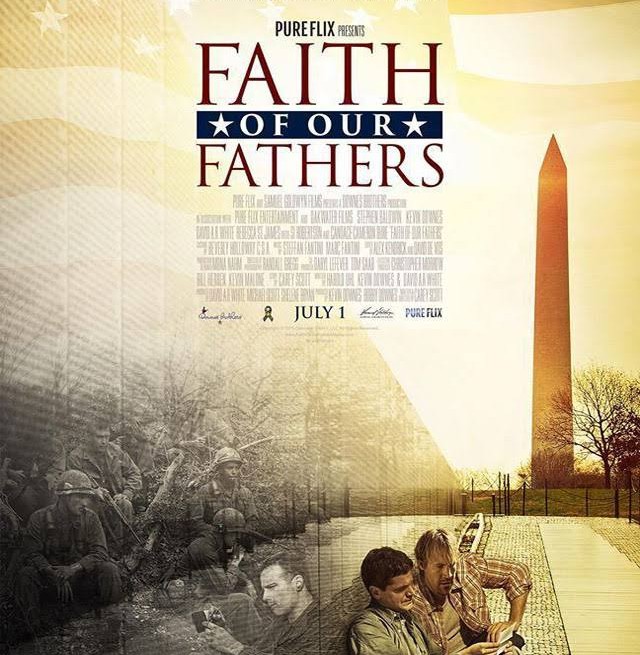
Roush Media recently completed the color grade on the feature film Faith of our Fathers. Shot on the Red One and graded with Digital Vision’s Nucoda Film Master, Faith of our Fathers tells the story of two men setting off on a journey to learn more about their fathers. The film stars Kevin Downes, David A.R. White, Stephen Baldwin and Candace Cameron Bure.
As a boutique post production facility located in Burbank, CA, Roush Media specializes in digital intermediate color grading, but also provides many other post services. Roush Media’s Senior Colorist, Keith Roush, has over 10 years of experience color grading feature films, short films, and commercials. Roush Media chose to conform and grade the original R3D files in the Nucoda from a Final Cut Pro 7 editRoush Media chose to conform and grade the original R3D files in the Nucoda from a Final Cut Pro 7 edit. For the film’s visual effects shots Roush provided the VFX artist with a LUT and LOG pre-graded DPX VFX plates. Roush Media decides with the filmmaker what the best workflow will be for every project they finish, whether it is conforming the original R3D material like Faith of our Fathers or coloring from a ProRes Log-C file with an Arri Alexa project.
Setting the look for Faith of our Fathers was a collaborative process for both Senior Colorist Keith Roush and Producer Kevin Downes. The film is set in two different time periods-during the Vietnam War and the present day. “Having two different time periods created a fun and interesting time in the DI Theater for Kevin and me,” says Roush. “We wanted the film to feel organic in nature and decipher the difference between time periods. That’s why we created a cold, gritty, reversal film look with the Vietnam War scenes and kept the present day naturally colorful and warm. One of the most dynamic looks we had to tackle was the film look for the Vietnam War flashback scenes. We took footage shot with the modern day digital Red camera and created an organic look that gave the footage the color and texture of an older film stock without making the footage look over-processed.Of course you can go with a bleach bypass look for a war scene but for this film that was not the intention,” says Roush.Keith developed a look with less sharpness, less natural color & less image detail to take the edge off the digital characteristic of today’s camera technology. “The idea behind this process was to make the footage look identical to what you would get with an older film stock,” Keith said. Using the Nucoda DI system’s blend modes Keith added film grain to give the footage the right texture. He wanted the look to aid the audience to feel the grittiness and emotional impact of the Vietnam War scenes.
Aside from creating the desired look, Keith had to overcome a different obstacle by mixing day-for-night with true night in some of the war scenes. He described the color session like this: “It was time to take on the next war scene. I was grading the first shot of the scene until Kevin stopped me. Then he told me that the scene we were on is intended to be night. When you’re coloring day for night it can get tricky especially when some scenes in the program are already shot for night. I placed my hand on the panels and went to town setting the look for the night scenes. I then went back to the day for night scenes and started to match the shots by adjusting color, creating shapes and using the Nucoda’s blend modes.” Once these nighttime war scenes were completed Producer Kevin Downes sat down in the theater to watch the final colored picture: “The film really felt like a much bigger budget theatrical film than it is. The DI color work really increased the production value.” Using the Nucoda DI system’s blend modes Keith added film grain to give the footage the right texture.
Color grading is a big part in finishing a film. You may not realize it until you experience what a good colorist does, but once you come into a color session and start working with the images by enhancing the color and creating looks you realize that it’s a whole other process of bringing your story to life on the big screen. The way you can use colors to tell a story is quite amazing and adds a lot of production value. Roush Media prides itself on their DI Color work while giving a post boutique experience for the filmmaker. Keith says, “The finished product is always a creative and collaborative process between us and the Director, DP, and Producer.” Roush Media likes to use their talent and technology to vividly bring stories to life with color.
Roush Media is a boutique post-production company providing finishing services for Film, TV, and Commercials-catering to the needs of the smaller production company. Among the services offered are finishing & editing, DI color grading , D-cinema Mastering, file conversions & transfers, deliverables, mastering & more.
It is always best to plan ahead. The usual procedure is to make a “pencil” booking as early as possible and then reschedule it if necessary. The pencil booking means that we can give advice before we start the finishing and grading sessions and if other bookings wish to confirm the same time, the pencil has the first refusal. More often than not, the initial dates change, but everyone works together to keep the schedule as tight as possible.
Getting a request to start a big job tomorrow can be difficult to accommodate. We always recommend getting your finishing post house involved in the project as early as possible. Of course, post-production is often unpredictable and we are here to solve problems. A preventative measure like this can save you money in the long run!
The booking needs a start date and duration. Based on the project’s many details, we will help you determine the ideal workflow and schedule for finishing. The duration will depend on many, many things, but here are some guidelines:
• Feature Films: Typically 1-5 days conform, plus 1-3 weeks Color but ranging from 2 days to 6 months! The conform is faster than a Documentary but it takes longer for color grading.
• Documentary: Typically a 1-2 week conform, plus 3-7 days of color.
• Broadcast: Typically 30 minutes of material per day for grading in addition to other services.
• Short Films: 1-3 days.
• Commercial Selects: Typically ½-2 days.
• Music Videos: Typically ½-2 days.
Be realistic about the length of time you need or would like. If you don’t have to rush it, you can put more time into making your project look the best it can. It also affects availability, rates, and final cost.
Factors of Cost
How long is the program?
This affects everything and is often one of the first things we ask to figure out the amount of time necessary for the conform and color grade. Make a note of how long the program lasts, how many reels or episodes it is made up of, and an estimate of the number of cuts. If we are conforming the project, be sure to mention the number of tracks as well.
Will the program contain vfx or animation?
If there are vfx or animated elements, how many shots? Do we have mattes for the composite? Mattes can save a great deal of time and give you much better control during grading. There are many ways to optimize these special effects elements. Working out the creative idea and workflow ahead of time is recommended.
How is it shot?
If it is shot on film, does it need to be telecined or scanned? Do you want your DI in HD, 2K or 4K? If it is 16mm, it is more likely to need grain reduction than 35mm.
If it is shot on SD or HD video, the process is very straightforward but the dynamic range is often limited and that will impact the color grading and possible look.
If it is shot with any of the newer data style cameras, it is important that we plan a suitable workflow with you to preserve any metadata and manage the color space through the dailies to the editorial and the finish. Cameras which have their own proprietary formats or characteristics include (but are not limited to) Viper, Genesis, D21, Sony F65, Red and ARRI Alexa.
If the source material is available as log or other proprietary log-like images, we would prefer them. Images that are sourced as log and kept that way have a greater dynamic range and we have more control over them in the color grade. We have often come across material that was shot in a proprietary log format but was then transferred to a more universal format such as .dpx and converted to linear in the process. There are other workflows that can compromise image quality even though sometimes that cannot be helped. It is never too early to discuss workflow, but it is often too late.
What format will be used to grade from?
Often this is determined by the previous question. (i.e. DPX, R3D, QuickTime Codec, MXF, HDCam-SR tape). With DI grading, the source material for color enhancement might depend on the editing system or another part of the post-production pipeline. The main reason for specifying the grading source is to check compatibility. Our Nucoda works with all of the above formats.
What format is the main deliverable?
Most jobs are primarily for a film, digital cinema or video finish. This determines the monitoring setup or color space of what we work in. Video (and Blu-ray) jobs are quite simple and require our Sony BVM broadcast monitor set to Rec 709 calibration. Film or Digital Cinema jobs require our DI theater or the BVM and must be calibrated to the lab’s film recorders or P3 Digital Cinema specs. Calibrating a digital projector for film recording is a lengthy process, but once it is done the match can be remarkable.
A Nonlinear DI System conform vs. FCP or Avid Conform
Working from a timeline conformed in the grading system has many big advantages but it usually takes a bit longer for the conform to translate some of the metadata from the offline edit (i.e. Flops, and other effects and filters). Ideally, the editor/director would check the conform and sign off on that before the actual coloring begins but that is not always practical.
Grading from a flattened onlined timeline from FCP or Avid is quicker and safer, but the accuracy and latitude of the color correction is sometimes compromised, particularly over transitions and composites. What we choose is based on the project details.
Color grading adds fantastic production value; everything looks better no matter how small the budget is. The principal benefits are:
• To correct continuity
• To stylize the images
• To match or add effects
All projects involve all three of the above goals, but it helps to know which is the main concern. It will probably not affect the quote much, but it helps to have an understanding of what is expected.
If you would like further advice or need a quote, please contact keith@roush-media.com or call (818) 559-8648.
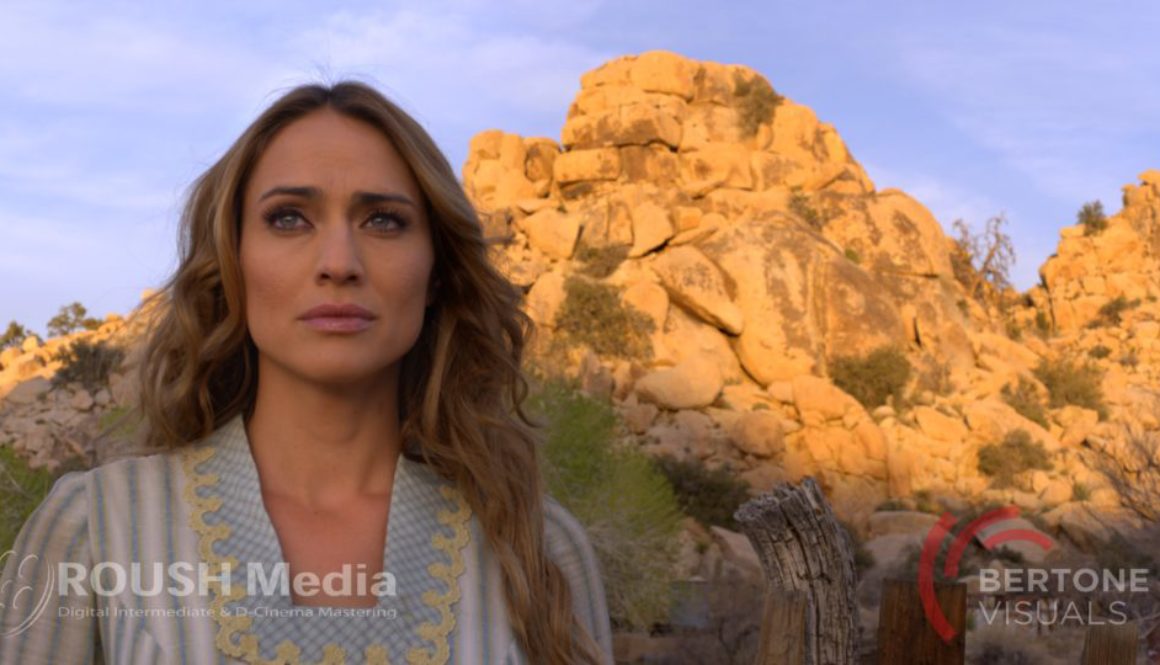
This short film was shot in Joshua Tree National Park on the Sony F65 by Bertone Visuals. Here at ROUSH Media we generated ProRes QuickTime dailies using the DaVinci Resolve for a Final Cut Pro edit. Then we conformed the footage in the Nucoda Film Master using 16-bit OpenEXR (S-gamut, S-Log2) files at 4K (4096×2160) and graded them in our theater in P3 color space. After mastering out for Digital Cinema & Rec-709 we compressed an H264 Quicktime for YouTube.
Off-Line / On-Line Color Grading? A new service for Colorists & Indie Films
ROUSH Media has just announced a new service they are providing at their DI boutique post facility in Burbank, CA–integrating the idea of offline/online editing to color grading and finishing. ROUSH Media seeks to give freelance colorists and indie filmmakers a facility to call home with the full support of their engineering staff so colorists can do what they do best–color grade. For the savvy independent DIY filmmaker these color services are a perfect blend of the full service DI facility support and the cost saving of the DIY filmmaker.
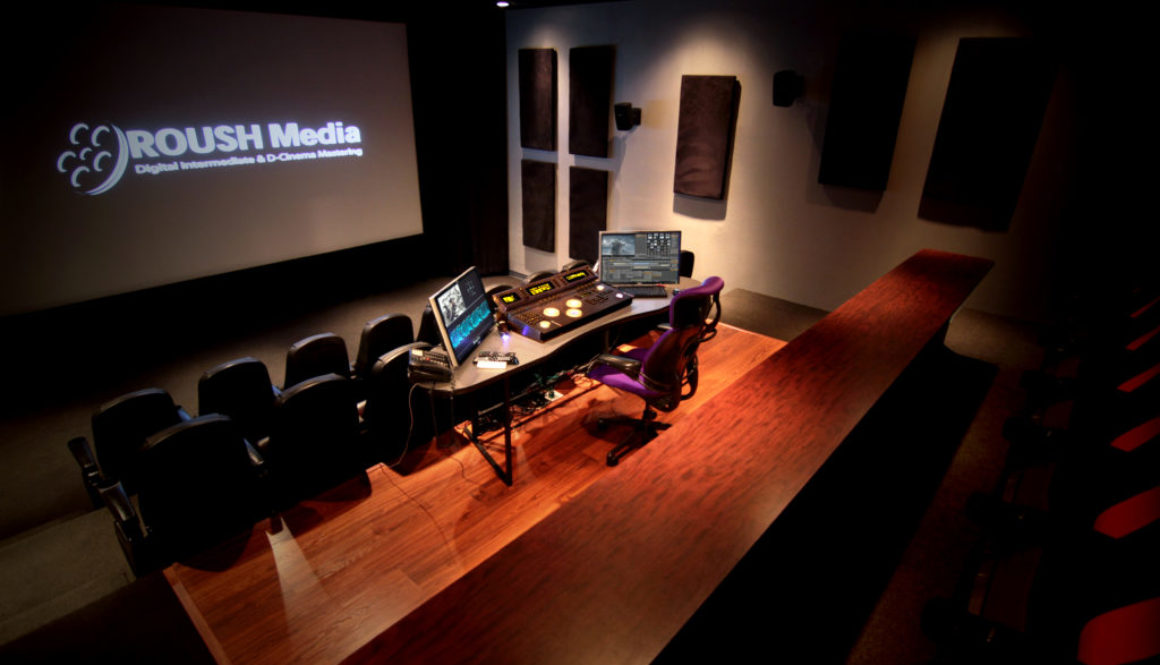
This service provides colorists with the option of choosing between two color grading platforms, the Nucoda Film Master and panel or the DaVinci Resolve with Black Magic’s grading panel. Both are offered in the DI Theater and grading suites. The theater is equipped with a state-of-the-art 4K Barco projector for monitoring in P3 color space, and the calibration is checked before each session to maintain the highest standards.
For clients, this will provide cost savings and increased attention to detail while boosting the quality standards for Indie projects. The amount of time colorists can give to a project is usually limited by the budget. If colorists are able to use a low cost suite to do much of the color grading in and then move into the large DI theater for a final trim pass for mastering, higher quality work can be done within the same limited budget.
Besides the colorist and system, the monitoring is the most important piece of technology in the room. Lower cost monitors often introduce problems that may or may not be in the footage itself, such as banding, noise, poor shadow detail, aliasing, color calibration problems, and more.
Having a complete color grading environment with calibrated monitoring, scopes, and a color management system is an ideal working atmosphere for colorists and their clients. This provides peace of mind knowing that what they see is what they get when using ROUSH Media’s engineering & color science.
For freelance colorists who work at home or remotely, this service allows colorists to hold client sessions with ease while having the option of using the staff at Roush Media in areas such as media management, conform, color space and Luts management, and deliverables. ROUSH Media’s Senior Colorist is also available to collaborate on the project for whatever may be needed.
Services Offered:
Resolve Offline Grading at home or in a low cost suite
Hold a session with your client in a professional color grading environment
Use our state-of-the-art 30 seat S3D, 4K Barco Theater for final grade
Check for look of final film or DCI Mastering in the DI theater
Use our Calibration & LUTs for your Color Management
Let us take care of your conform and/or Deliverables
Cost effective: includes the full support of our systems and staff
No matter what the budget is, ROUSH Media is there to help you exceed your client’s expectations with the full support of a top DI Post Production Facility. So don’t get lost in the dark! Quality control your image in the perfect grading environment!
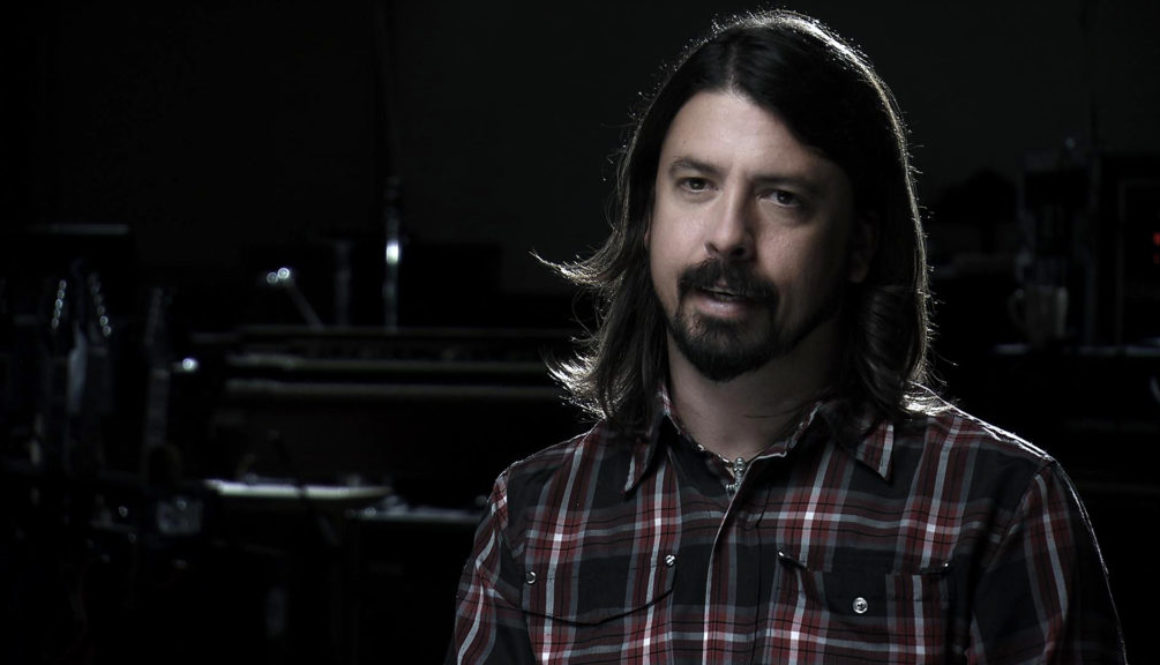
Foo Fighters: Back and Forth, directed by Oscar, Emmy, and Grammy winner Director James Moll, looks into the 16 year history of the band Foo Fighters and encompasses excellent direction, storytelling and a distinct look like no other documentary. Keith Roush, Senior DI Colorist at ROUSH Media, provided color grading and restoration of archival footage for the documentary on Image System’s Nucoda Film Master. The “music video” look that was set for the band’s interviews came about in conversations during the DI sessions between the director, James, and Keith. The music video rock and roll look was achieved by creating deep rich blacks, with a soft sliver like glow for the skin and highlights.
ROUSH Media also provided the up-conversion and restoration of the archival footage from many various tape and digital formats, including ¾”, VHS, Hi8, DVD, Beta SP and DigiBeta. Using our Nucoda DVO image processing algorithms we up-rezzed and frame rate converted the footage, removed unwanted video noise, drop outs, and other artifacts that have accumulated over time within the footage. This further polished the film to restore 80’s and 90’s home video and MTV footage to the current HD standards audiences have come to expect.
Once the final grade and image restoration was complete we created the Digital Cinema Package and other deliverables for the various Theatrical and TV Versions.